
What Are Django URLs?

In this section, we will learn what are URLs in Django and how to create them and link them with the view functions that we have created in views.py file.
So in our previous section, we have successfully created our Templates. Let's create URLs for each view Function which is the last step to render our HTML templates to display them in the browser.
Django URLs
We want to access the Signup view via a URL. Django has its own way of URL mapping and it's done by editing your project urls.py file (social/urls.py).
When a user makes a request for a page on your web app, Django controller takes over to look for the corresponding view via the url.py file, and then return the HTML response or a 404 not found error, if not found. In url.py, the most important thing is the "urlpatterns" tuple. It's where you define the mapping between URLs and views. A mapping is a tuple in URL patterns, the url.py file looks like -
from django.contrib import admin
from django.urls import path
from django.conf.urls import url
from account import views as acccount_views

urlpatterns = [
    path('admin/', admin.site.urls),
    url(r"^$", acccount_views.IndexView.as_view(), name="index"),
    url(r"^signup/$", acccount_views.signup, name="signup"),
]
add this line at the bottom of social/settings.py
LOGIN_REDIRECT_URL = 'index'
Now run the following command where the manage.py file is located:
python manage.py runserver
goto http://127.0.0.1:8000/
You will see the home page click on the signup button to go to the Signup page.
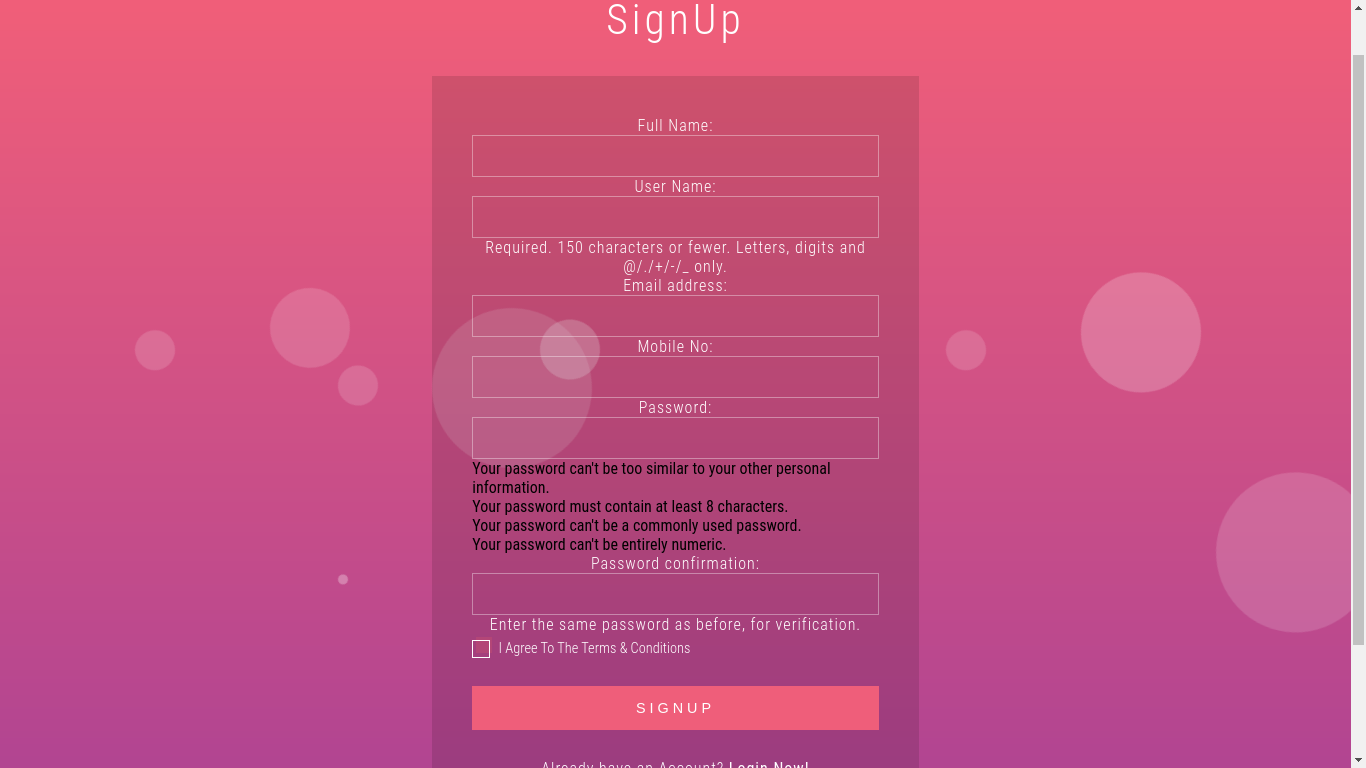
Fill the form and if everything is alright then you will be redirected to the home page as logged-in user.
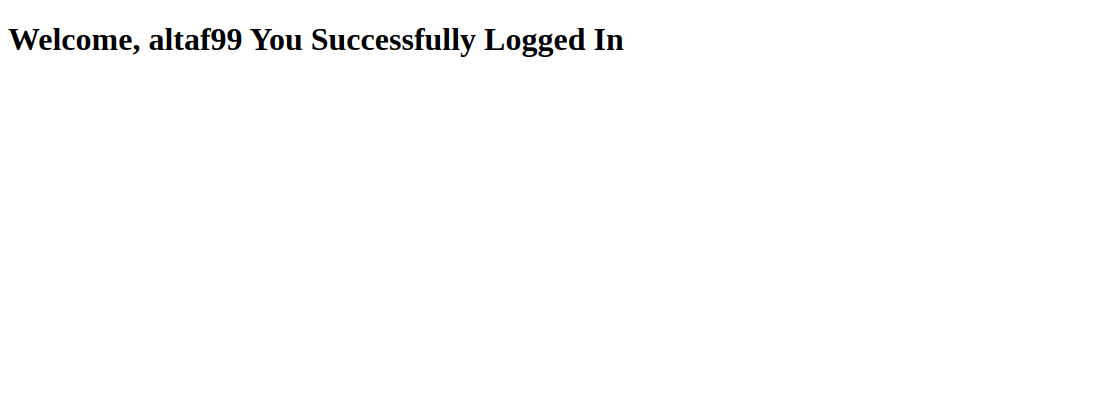
Congratulation! We have successfully implemented the signup view in Django.


